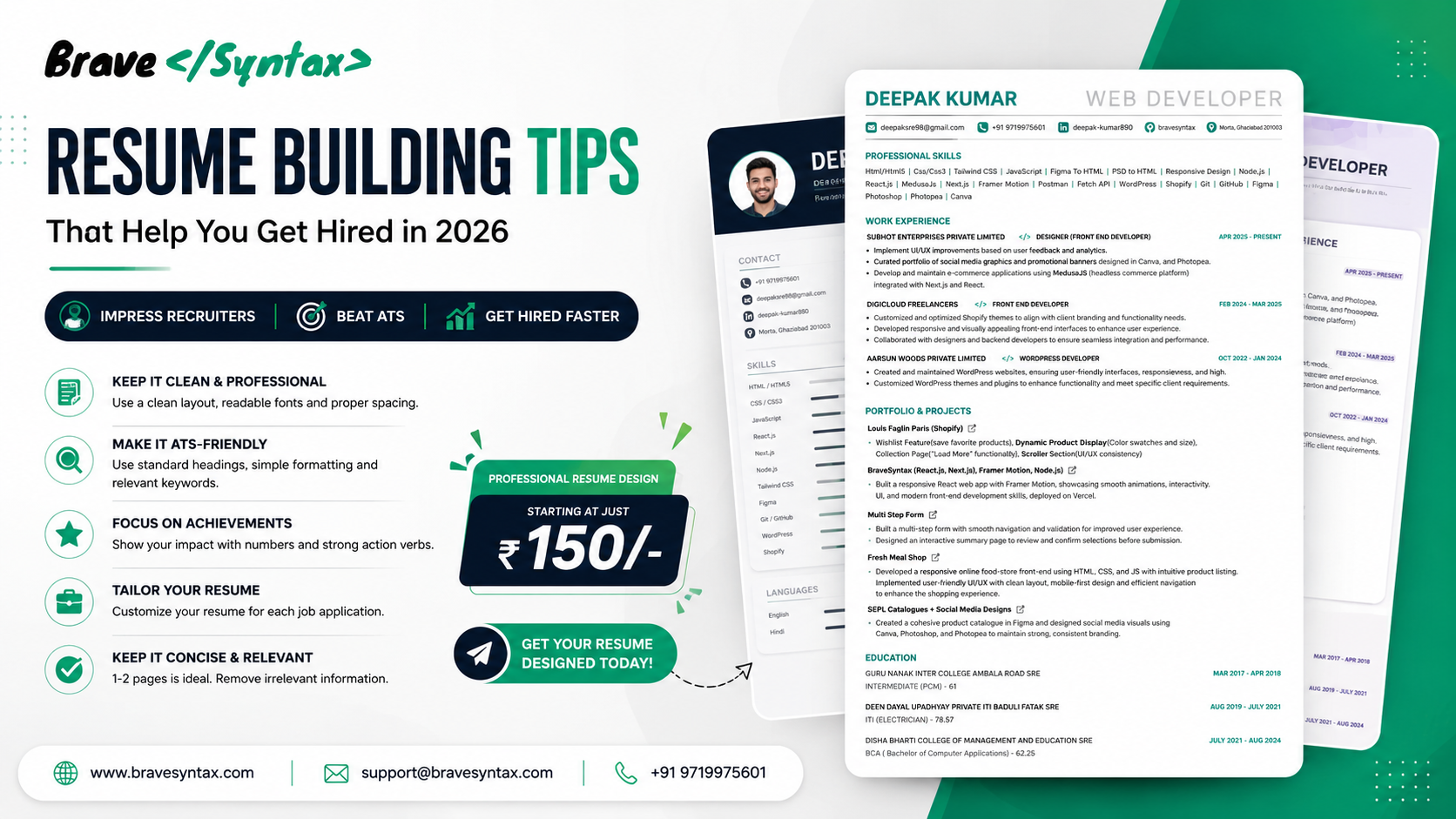
Resume Building Tips for 2026: How to Create an ATS-Friendly Resume That Gets Interviews
Your resume is one of the most important documents in your professional career. It is often the first impression recruiters and hiring managers have about you.
In today's competitive job market, having the right skills is not enough. Your resume must present those skills in a clear, professional, and ATS-friendly format.
This guide will help you build a resume that stands out and improves your chances of getting shortlisted.
Why Your Resume Matters
Recruiters spend only a few seconds reviewing each resume before deciding whether to continue reading.
A professional resume helps recruiters quickly understand your experience, skills, and achievements.
- Create a strong first impression
- Improve ATS compatibility
- Highlight your strengths
- Increase interview opportunities
1. Keep the Design Clean and Professional
A resume should be easy to read and visually organized.
- Use professional fonts
- Maintain proper spacing
- Use clear section headings
- Avoid excessive graphics and colors
2. Make Your Resume ATS-Friendly
Many companies use Applicant Tracking Systems (ATS) to filter resumes before a recruiter sees them.
- Use standard headings
- Include relevant keywords
- Avoid text inside images
- Use a simple layout
3. Focus on Achievements
Recruiters prefer measurable results over generic responsibilities.
Instead of writing:
Responsible for website development.
Write:
Developed responsive websites that improved user experience and performance.
4. Customize for Each Job
Every job description is different.
Tailor your resume by adjusting:
- Professional Summary
- Skills Section
- Keywords
- Relevant Projects
5. Keep It Concise
- Freshers: 1 Page
- Experienced Professionals: 1–2 Pages
Remove irrelevant information and focus on value.
6. Highlight Relevant Skills
Create a dedicated skills section.
Examples:
- HTML, CSS, JavaScript
- React.js, Next.js, Node.js
- WordPress & Shopify
- Figma & Canva
- Git & GitHub
7. Showcase Projects
Projects often demonstrate skills better than certifications.
Include:
- Project Name
- Technologies Used
- Your Role
- Results Achieved
8. Write a Strong Professional Summary
Your summary should quickly explain:
- Who you are
- Your experience
- Your core skills
- Your career goals
9. Proofread Carefully
Even a small mistake can create a poor impression.
- Check spelling
- Check grammar
- Verify contact information
- Review formatting consistency
10. Choose the Right Resume Template
A professional template improves readability and presentation.
The best resume templates are:
- ATS-Friendly
- Modern & Professional
- Easy to Read
- Industry Appropriate
Common Resume Mistakes to Avoid
- Using outdated templates
- Adding unnecessary personal details
- Making the resume too long
- Using generic objectives
- Ignoring ATS optimization
Final Thoughts
Your resume is more than just a document—it is your personal marketing tool.
A professionally designed resume can significantly improve your chances of getting noticed by recruiters and landing interviews.
Investing in a clean, ATS-friendly resume is one of the smartest career decisions you can make.
Professional Resume Design Service
At BraveSyntax, we create modern, ATS-friendly, and recruiter-approved resumes.
Starting at just ₹150
✔ Professional Design
✔ ATS-Friendly Format
✔ Modern Templates
✔ Fast Delivery
Website: https://www.bravesyntax.com
Email: support@bravesyntax.com
Phone: +91 9719975601